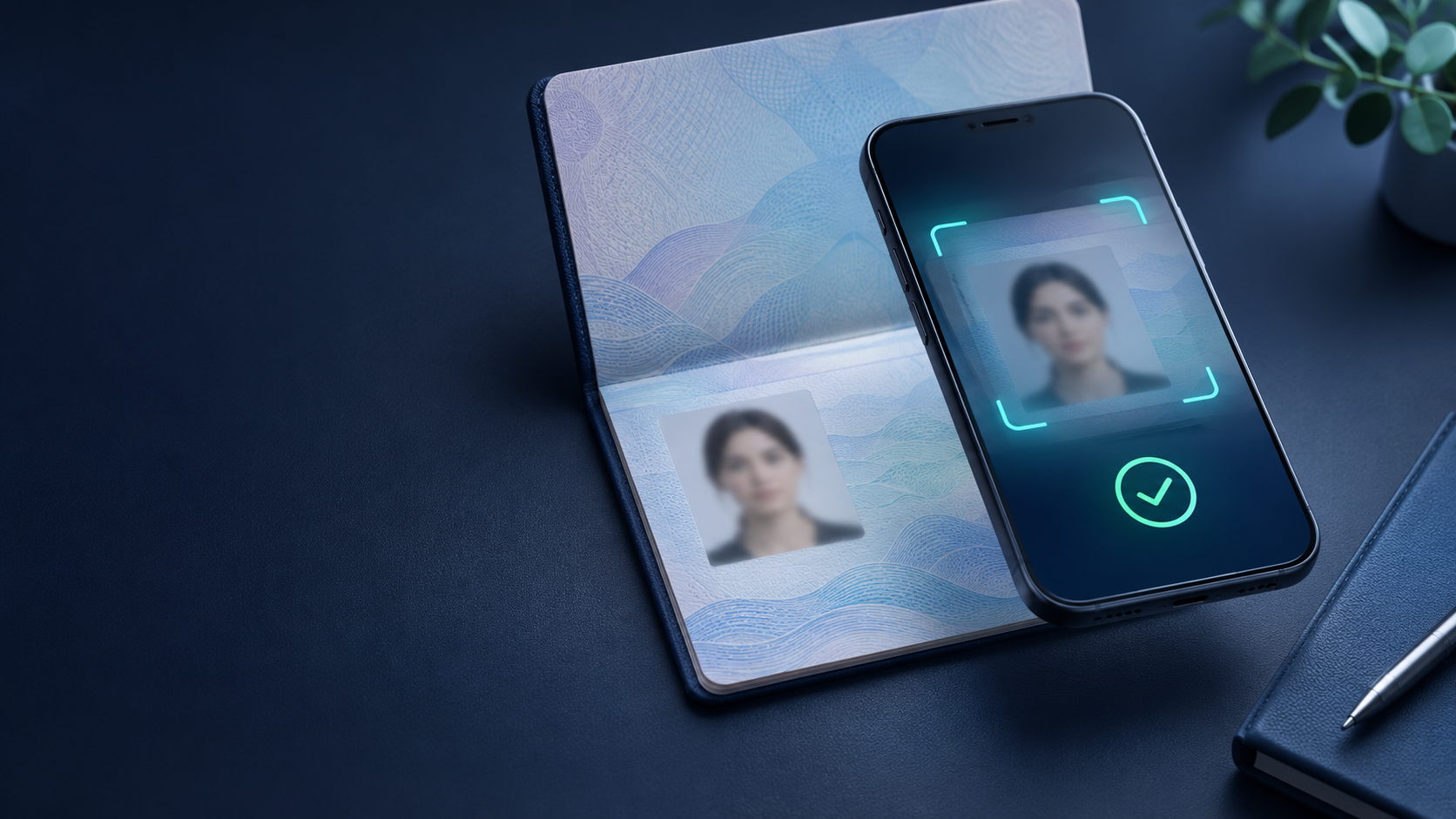
Learn how passport verification works, from MRZ and NFC checks to selfie matching, and build a digital onboarding workflow with KBY-AI.
To verify a passport online, capture a clear image of the data page, compare its printed and machine-readable information, assess the document for signs of tampering or replay, and confirm that the applicant is the person in the passport portrait. When your workflow supports electronic passport verification, you can also read the ePassport chip and verify the issuer’s digital signature. These checks give your team evidence to decide whether to proceed, request a retry, or send an application for review. ICAO Doc 9303 · NIST identity proofing overview
A printed copy can be easy to read. A genuine passport can belong to someone else. A legitimate applicant can submit an unreadable image because a ceiling light reflects off the data page. If you run digital onboarding for a fintech, marketplace, or other business that serves customers remotely, your workflow needs to distinguish these situations. The decision determines whether a customer gets through onboarding and which cases reach your reviewers.
KBY-AI provides SDKs for passport data extraction, document liveness detection, face liveness detection, and facial comparison. Businesses can combine these capabilities in a passport-based Know Your Customer (KYC) workflow and set the evidence required for each onboarding route. KBY-AI KYC Verification Solution
What passport verification needs to establish
A passport can serve as evidence of identity. To use it in digital onboarding, decide what evidence your organization needs to answer three questions.
- Can we read the document reliably? You need a usable view of the data page and an accurate reading of the fields your workflow depends on. Capture quality and data extraction come first.
- Is the passport acceptable as evidence? Evaluate authenticity signals, compare fields across available sources, and apply your policy on supported documents and expiration. If your process requires a status check against an authoritative source, record that result separately.
- Does the passport belong to the applicant? Compare the document portrait with the person presenting it. In a remote selfie flow, face liveness adds evidence about whether a live person was present during capture.
NIST’s identity proofing guidance distinguishes validating identity evidence from verifying that the applicant is the person associated with it. Businesses may also need to determine eligibility for their service. A genuine, unexpired passport that matches the applicant may satisfy the identity check while the application still requires additional evidence under the business’s onboarding policy. NIST identity proofing overview
How to verify a passport online in six steps
1. Guide the applicant to capture the data page
Ask the applicant to open the passport to the page with the portrait and personal details. Show what a usable capture looks like on their device. The full page should fit inside the frame, with the portrait, printed fields, and machine-readable zone visible. If glare covers the bottom of the page, a prompt like “Tilt the passport slightly until the bottom lines are readable” gives the applicant a specific action to try.
Give feedback as soon as the system detects a problem. If the top of the page is sharp but the bottom is cropped, ask the applicant to move the camera back. If autofocus is struggling, give the camera time to settle and ask the applicant to hold still. When a passport is difficult to open flat, show where the applicant can place their fingers while keeping the portrait and text visible. Fixing capture problems at this stage can spare the customer from having to restart the document step later.
Keep track of why captures fail. If one browser repeatedly produces cropped images, investigate the capture frame or camera integration. If glare is common across devices, revise the instructions or adjust when the camera takes the photo. Give applicants a way to get help when they cannot complete capture independently, and use an assisted route that collects the evidence your policy requires. NIST customer experience guidance
2. Read the visible fields and cross-check the MRZ
The visual inspection zone (VIZ) contains the passport’s human-readable information. Optical character recognition (OCR) can extract fields such as the holder’s name, passport number, date of birth, and expiration date. The machine-readable zone (MRZ) on a typical passport booklet consists of two standardized lines near the bottom of the data page. Parsing those lines gives your system a second representation of several key fields. ICAO Doc 9303, Part 4
MRZ verification includes checking the format and validating check digits where applicable. Passing check digits indicate internal consistency. Establishing issuer authenticity requires additional evidence. Compare the parsed fields with what the system read from the visual zone. When the two differ, first consider capture quality and the rules for that passport version. MRZ conventions can shorten names or represent them differently from their printed forms, including through transliteration. A character-for-character name comparison can send a legitimate customer to review. ICAO Doc 9303, Part 4
Record the reason for a mismatch when your retention policy allows. A document number with an uncertain character calls for a clearer capture. A material date-of-birth discrepancy between two high-quality readings calls for review. For supported passport versions that include a barcode, compare any fields your decoder can reliably read with the same fields elsewhere on the document. Apply that check according to what the specific passport version is expected to contain.
3. Assess document security features and liveness
Passport security features vary by issuing authority and document version. They can include holographic elements, color-shifting ink, and fine printing. Older and newer passport series from the same country may use different features. During an in-person examination, use a trusted reference for the specific passport version and examine the document under the conditions needed to see the expected feature. The European Union’s PRADO register provides examples of genuine documents and shows how some of their security features appear. EU Council PRADO document register
For online passport verification, choose checks the camera can capture reliably. A still image may show the printed information clearly while missing an optical effect that appears only as the page moves. If a check requires an angle or light source your capture cannot reproduce, record that the check was unavailable. This gives reviewers the information they need to distinguish a capture limitation from a visible inconsistency.
Document liveness detection adds evidence about what was presented to the camera. It can help flag screen replays, printed copies, and signs of portrait substitution. Interpret those signals alongside the document type, image quality, and other results. If an image is too dark for assessment, request another capture. If a clear image returns a strong replay signal, route it according to your risk policy and preserve the reason for the reviewer. KBY-AI ID Document Liveness Detection SDK
4. Authenticate the ePassport chip when your workflow supports it
An electronic passport, or ePassport, includes a contactless chip that stores a digital portrait and other passport data covered by the issuer’s digital signature. A compatible reader or an NFC-enabled phone with the appropriate software can retrieve that information. In passive authentication, the verification system uses trusted issuing-authority certificates to validate the signature and checks the integrity of the stored data. Where supported, active authentication or chip authentication can provide additional protection against chip cloning. ICAO ePassport validation
Record whether the system read the chip, whether it could validate the signature, and whether the authenticated fields agreed with the visible evidence. A read can fail because of device compatibility or positioning. An unavailable certificate can prevent the system from completing signature validation. A signature that fails validation after a successful read calls for a different response. Separate outcomes let the customer recover from a technical issue and give reviewers a clear reason to investigate when the evidence conflicts. ICAO ePassport validation system requirements
Decide how chip authentication fits your acceptance policy. You might require it for a remote application that warrants higher assurance and offer assisted verification when the applicant cannot complete the read. In a workflow that accepts other evidence, an optional NFC step can add assurance when available. Specify the evidence each route requires so a customer who moves between routes receives a consistent decision.
5. Link the passport to the applicant with a selfie
Once you have a usable passport capture, ask the applicant to take a selfie in the same onboarding session. Give immediate guidance when the face is too dark or out of frame. Face liveness detection helps assess whether a live person was present during capture. A one-to-one face match compares that selfie with the passport portrait. Together, these checks help establish that a live applicant matches the person depicted in the identity evidence. NIST general identity proofing requirements
Set matching thresholds and review rules for your use case. Test with passports whose photos were taken years ago and with portraits that vary in quality. An ambiguous score from otherwise usable images may need review. A selfie obscured by glare calls for a fresh capture. Giving applicants the right next step can spare them from repeating a capture that was already usable.
Keep the document and selfie results linked to the same application. If an applicant replaces the passport after taking a selfie, run the applicable comparison again against the newly selected portrait. The decision needs to reflect the document that will be associated with the account.
6. Turn results into a clear onboarding decision
Set the criteria and ownership for common outcomes before launch. Product teams can use them to design the next screen. Reviewers can see what has already been checked. Risk teams can audit decisions and revise rules based on what happens in production.
| Outcome | Example | Next action |
|---|---|---|
| Accept the identity evidence | Required checks are complete and the results meet policy. | Continue to the next onboarding step. |
| Ask for a retry | Glare prevents the system from reading the MRZ. | Give a specific recapture prompt and preserve the rest of the application. |
| Offer another route | The device cannot complete a required NFC check. | Offer an approved assisted or alternate verification process. |
| Send for review | High-quality readings disagree on a material field. | Show the reviewer the conflicting evidence and the reason for referral. |
| Reject the document under policy | The passport is expired and the business requires an unexpired document. | Explain the applicable rule and let the customer choose another accepted document when available. |
Consider a fintech that accepts several passport series. A customer submits an older version that the capture system can read but cannot classify with enough confidence to complete the required checks. An assisted route can give a reviewer the image, the extracted fields, and the classification issue. The reviewer can then check the series against an appropriate reference. If the available evidence is insufficient, the customer can submit another accepted document without restarting the entire application.
A reviewer should be able to see which checks were completed, what they returned, and which policy was applied. Customer support needs to know whether the applicant should retake a photo, submit another ID, or wait for a decision. Give each team access to the information it needs for its role and apply your retention rules to reviewer queues, logs, and support tools.
How KBY-AI supports passport verification for KYC
KBY-AI’s identity verification SDKs cover four core functions for digital onboarding. Use them together in a passport-based KYC flow or integrate the components that fit your existing application. KBY-AI KYC Verification Solution
- ID Document Recognition SDK detects supported documents and extracts passport data and portraits. KBY-AI documents OCR and MRZ parsing in its mobile and server SDKs and provides an HTTP API for document recognition. KBY-AI ID Document Recognition SDK
- ID Document Liveness Detection SDK assesses document captures for signs of screen replay, printed copies, and portrait substitution. The documented API returns scores for each category, which your application can use to decide whether to continue or review the capture. KBY-AI ID Document Liveness Detection SDK
- Face Liveness Detection SDK evaluates selfie captures for presentation attack signals. KBY-AI offers passive and active face liveness options so teams can evaluate which capture experience fits their onboarding process. KBY-AI Face Liveness Detection SDK
- Face Recognition SDK compares the applicant’s selfie with the portrait extracted from the passport. Use that one-to-one comparison alongside liveness and document evidence under your verification policy. KBY-AI Face Recognition SDK
For example, a marketplace could guide a seller through passport capture, use KBY-AI to extract key fields and the portrait, assess the document and selfie captures, and compare the selfie with the passport portrait. The marketplace would apply its own rules for accepted documents, retries, exceptions, and seller eligibility. If a particular route also requires chip authentication or an authorized document-status check, account for those integrations when designing the flow. KBY-AI KYC Verification Solution
Check the passport series you expect to receive against the documented coverage for your deployment platform. Then evaluate the SDKs using representative, authorized test cases. KBY-AI publishes supported document details and offers on-premises identity verification options for teams evaluating where to process document images and selfies. KBY-AI supported documents · KBY-AI KYC Verification Solution
What to measure in a passport verification pilot
Start with the passport versions and device conditions your customers are likely to use. Include recent and older passport series, names that require transliteration, and captures affected by glare, motion, or low light. Test required checks and recovery paths on the device and browser combinations you expect to support. That gives you a baseline for both verification quality and the work applicants need to do to complete the process.
- First-attempt capture success. Track the share of applicants who provide a usable passport image on their first try. Break results down by device or browser to see where camera behavior or feedback needs work.
- Accuracy of key fields. Compare extracted values with known test data. Report errors for passport number, birth date, and expiration date individually because each can affect a different decision.
- Retry and abandonment rates. Identify where applicants repeat a step or leave the process. Track passport capture, selfie capture, and any chip step separately.
- Review rate and turnaround. Track the share of cases sent to review, the reasons they entered the queue, and how long it took to reach a decision.
- False accepts and false rejects. On test cases with known outcomes, measure how often the workflow accepts a case it should stop or stops a case it should accept. Test the document and selfie checks together using the rules and thresholds you intend to deploy.
Look at the results by document series and onboarding route. An initial account check for a buyer and a payout-stage check for a seller may have different evidence requirements. If retries are concentrated on one document and device combination, test a better capture prompt or camera configuration for that combination. Compare the results against your baseline to see whether the change helps applicants complete verification while preserving the checks your policy requires.
Passport verification FAQs
Can you verify a passport from a photo?
A clear photo can support OCR, MRZ parsing, comparisons between printed and machine-readable fields, and assessment of some visible security features. The assurance you can get from a photo depends on how it was captured and which features are visible. Guided capture, document liveness, and an applicant check can add evidence in remote onboarding. Electronic chip authentication requires a compatible chip read and signature validation. NIST general identity proofing requirements · ICAO ePassport validation
What’s the difference between passport scanning and passport verification?
Passport scanning captures or extracts the information shown on the document. Passport verification evaluates whether the document provides acceptable evidence for your workflow. When the goal is to verify a person’s identity, the process also needs evidence connecting the applicant to the passport. Accurate OCR can fill in a customer’s name and date of birth, while a separate applicant check establishes who presented the document. NIST identity proofing overview
Does every passport have a chip or a barcode?
Passport features vary by issuing authority and document version. An ePassport contains a contactless chip. Barcodes may be present on some documents. Check what each supported passport series is expected to contain and record whether each applicable check was completed. ICAO Doc 9303 · EU Council PRADO document register
Can an authentic passport be reported lost or stolen?
Yes. A passport may be genuine and contain consistent data even after it has been reported lost, stolen, or revoked. If your workflow requires a status check, use an authorized source available to your organization and define how your team should respond to a result. INTERPOL Stolen and Lost Travel Documents database
Build your passport verification workflow with KBY-AI
Bring passport data extraction, document liveness, face liveness, and facial comparison into your digital onboarding flow. Share the passport versions you accept, your deployment environment, and the evidence your business needs. KBY-AI can help you identify the SDKs to evaluate for your rollout. Explore KBY-AI’s KYC solution · Contact KBY-AI